Work in a drawing
Open AltoCad as its own drawing app. Your CAD file has its own editing space in your AltoDocs project.
 AltoDocs
Create and edit a standalone 2D drawing with native geometry, dimensions and layers. Work on the drawing itself, then bring a linked view into Docs when you need to explain it in a report.
Open AltoCad as its own drawing app. Your CAD file has its own editing space in your AltoDocs project.
Build 2D geometry with layers, section profiles and dimensions. Keep the drawing editable as the design changes.
Place a linked drawing view in an engineering report. The source drawing stays editable in AltoCad.
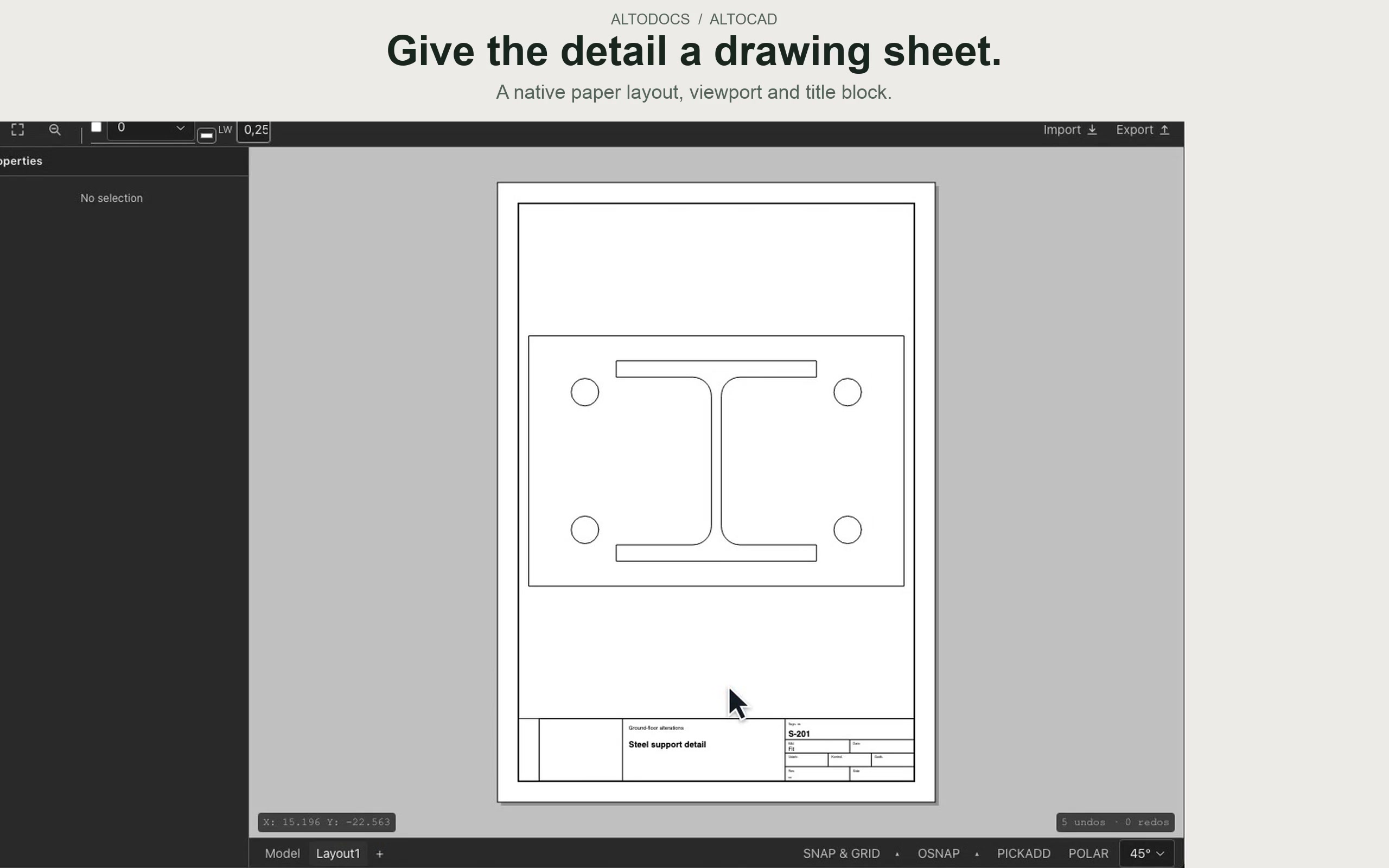
This walkthrough shows the Docs integration: create a detail, save the source drawing and keep a linked view beside the engineering narrative.
No. AltoCad works as a standalone 2D drawing app. Docs is there when you want to bring drawings, calculations and writing together in a report.
AltoCad is for 2D drawings. MathCanvas is for engineering calculations with equations, units, Python and sketches.