
Your calculations.
Room to work them out.
Free personal calculation worksheets for students and engineers. Write equations, work with units, and keep your reasoning beside the results.
No account needed to try. No credit card needed to save.From an idea to a saved worksheet.
- 01
Try a calculation
Open the demo, change a value, and follow the result. It is your own temporary working copy.
- 02
Save your work
Create a free AltoDocs account, or sign in with the one you already use, to save your worksheet. The demo is temporary until you save.
- 03
Pick up where you left off
Open your AltoDocs dashboard to find your saved worksheet. Organise it with your other files and folders, and reopen it whenever you need it.
Change an input.
Follow the working.
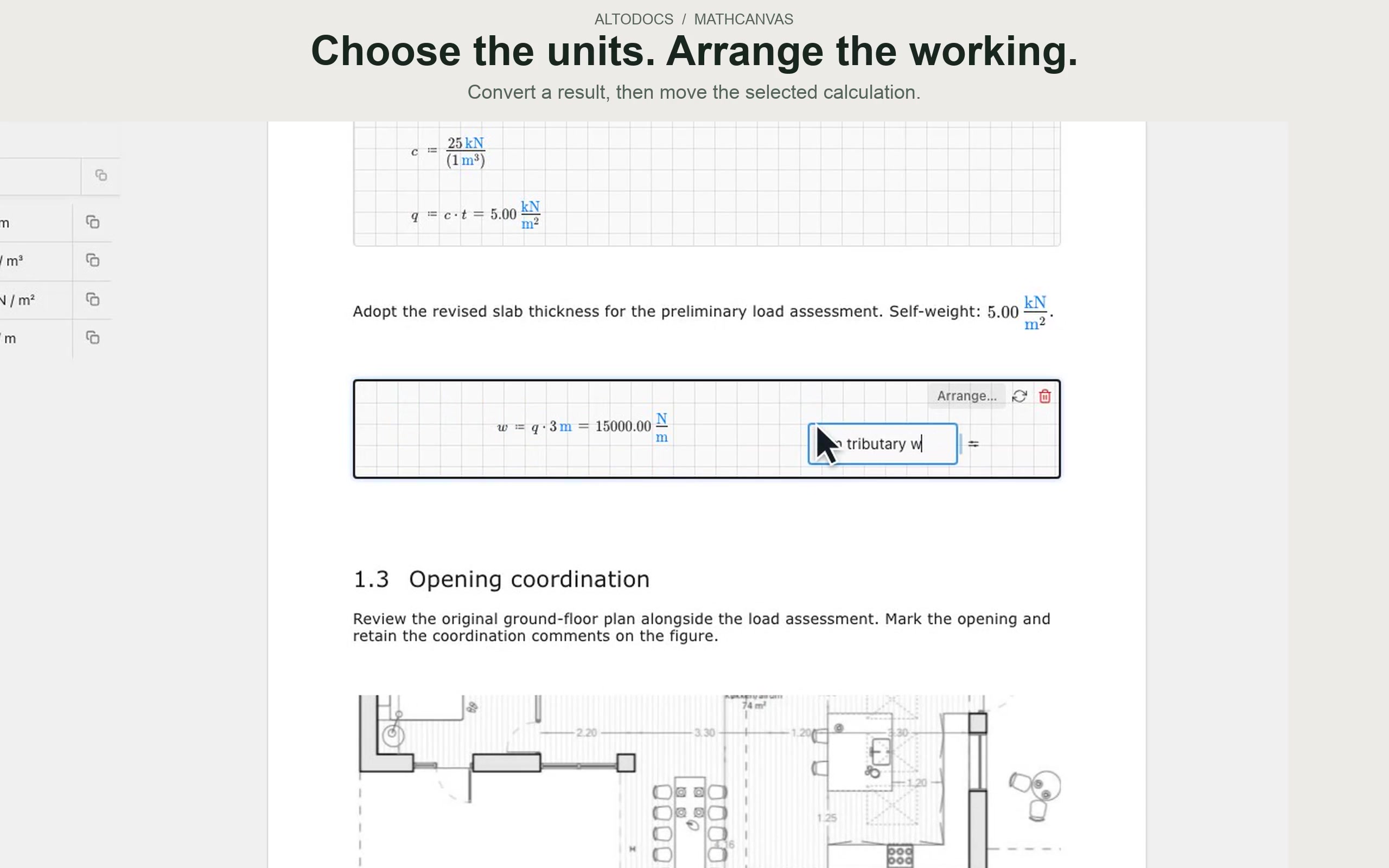
Define variables, write equations, and calculate with units. This recording shows MathCanvas inside an AltoDocs report; the demo lets you try a standalone worksheet.
Start with calculations.
Build toward the report.
Core personal MathCanvas worksheets are free to create, edit, and save. They stay available independently of an AltoDocs organisation trial.
New personal worksheets are private by default and live in your AltoDocs dashboard, alongside your existing files and folders. One account keeps your work together.
When you need a full engineering report, explore AltoDocs documents: write the explanation around live calculations, drawings, and other project content. Full document editing requires AltoDocs editing access; CAD, organisation features, and AI follow their own access rules.
See AltoDocs plans and access →Before you start
Do I need another account?+
No. MathCanvas uses your AltoDocs account. If you already have one, choose Open AltoDocs and sign in.
Does free MathCanvas expire after seven days?+
No. Free core personal worksheets are separate from the seven-day AltoDocs organisation trial. Organisation-owned files still follow that organisation’s permissions and editing access.
What happens to my demo?+
The demo is a temporary working copy. Use its save action and sign in or create an account to keep the worksheet in your personal files.
Where will I find my saved worksheets?+
In your AltoDocs dashboard, with your files and folders. Open a MathCanvas file there to continue calculating. When you need full documents and reports, you can explore AltoDocs editing access from the same account.
Start with one calculation.
Try MathCanvasExplore first. Save when you are ready.